Open Multiplayer
Start the browser game or mobile app and choose Multiplayer from the world menu.
Quick answer
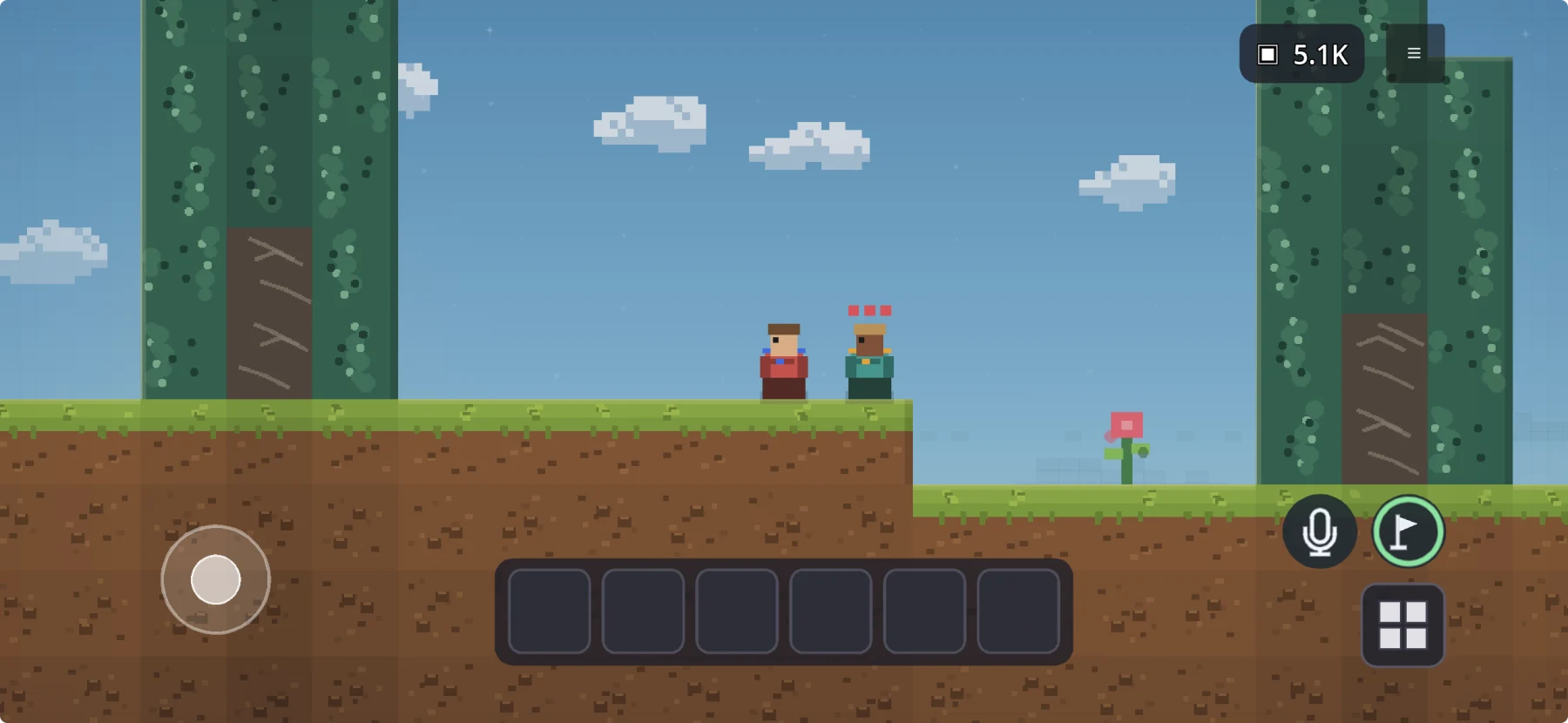
Tiny Block combines a free mobile survival sandbox with built-in proximity voice. Join a public world or share an invite code, toggle the microphone on when you want to talk, and explore: nearby players sound clear, and voices fade as distance grows.
Play together
Start the browser game or mobile app and choose Multiplayer from the world menu.
Join a public world, or create an invite-code world for friends you know.
Tap once to transmit and again to stop. Voice volume changes with player distance.
Side-by-side
| Option | Mobile access | How voice works | World style | Setup trade-off |
|---|---|---|---|---|
| Tiny Block | Free on iOS and Android | Push-to-talk-style microphone toggle: tap once on, tap again off | Shared survival, crafting, and building worlds | Join public worlds or use one invite code |
| Roblox experiences | Free app on iOS and Android | Voice requires age check and a supported experience/region | Varies by community experience | Eligibility and experience support must match |
| Minecraft with a voice solution | Paid Minecraft editions include mobile versions | A separate app or compatible mod/add-on is commonly used for proximity voice | 3D sandbox, servers, local worlds, and Realms | Edition, account, world hosting, and voice setup can differ |
Why it works
A friend's voice is strongest nearby and fades with distance. That makes exploring a cave or getting separated feel connected to the world.
Tiny Block uses a push-to-talk-style microphone control without requiring a long press: tap once to turn the microphone on, then tap again to turn it off. Proximity volume still follows player distance.
Use a public world for an open multiplayer session or an invite code for a shared world with people you already know.
Questions
Tiny Block includes proximity voice with a microphone on/off toggle in its multiplayer worlds on iOS and Android.
It uses a push-to-talk-style microphone toggle: tap once to start transmitting and tap again to stop, rather than holding the button.
Yes. Tiny Block voice is built into the multiplayer session, so a separate voice-call app is not required.
Voice volume follows player distance. Nearby players are clear; distant players become quieter and eventually inaudible.
Yes. Create an invite-code world and share the code with the players you want to join.
Free on web, iOS, and Android
Join a public world or share an invite code, then mine, build, discover, and talk with proximity voice.